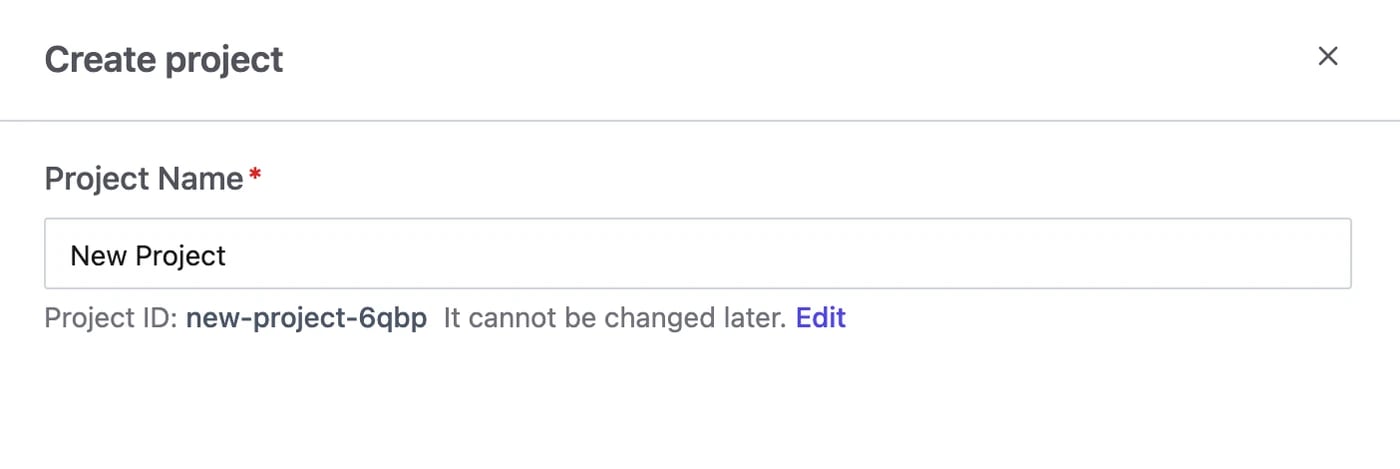
If you enabled sample databases in Step 1, use the project created during setup and continue to Step 4; its sample database already belongs to it.Go to Projects and click Create. Give it a name; the Project ID is derived from it and can’t be changed later.
A database must be in a project before you can change it.
Go to the workspace Databases page, select the database Bytebase synced from your workspace instance, and click Transfer Project — then pick the project you just created.Databases on a project instance already belong to its project and cannot be transferred separately.
Was this page helpful?
Assistant
Responses are generated using AI and may contain mistakes.