Tutorial: How to Synchronize Database Schemas
- Propagate the schema changes from the one database to others.
- Revert the database schema to an old version.
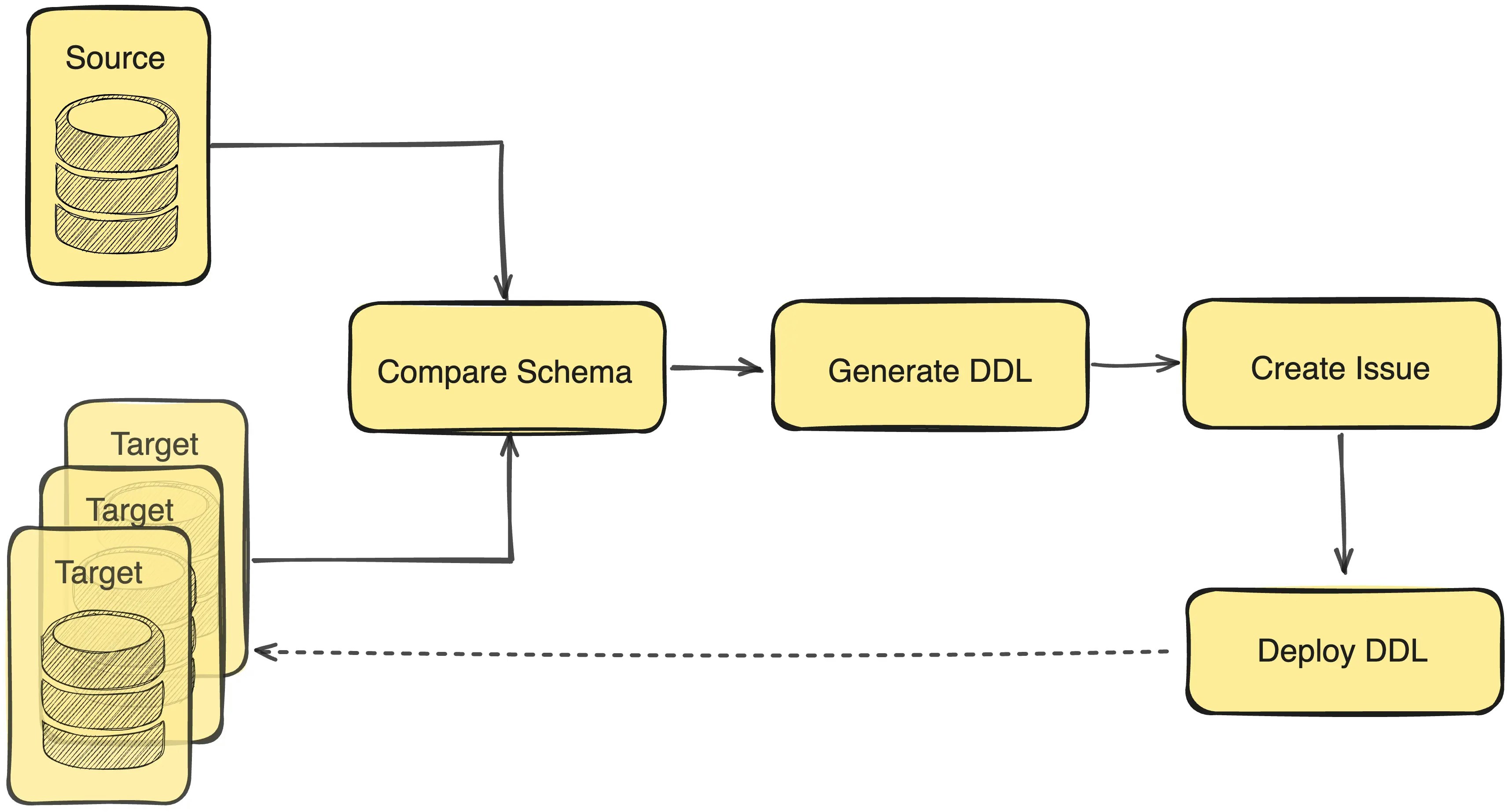
- Compare a source database schema with one or multiple target databases’ schema.
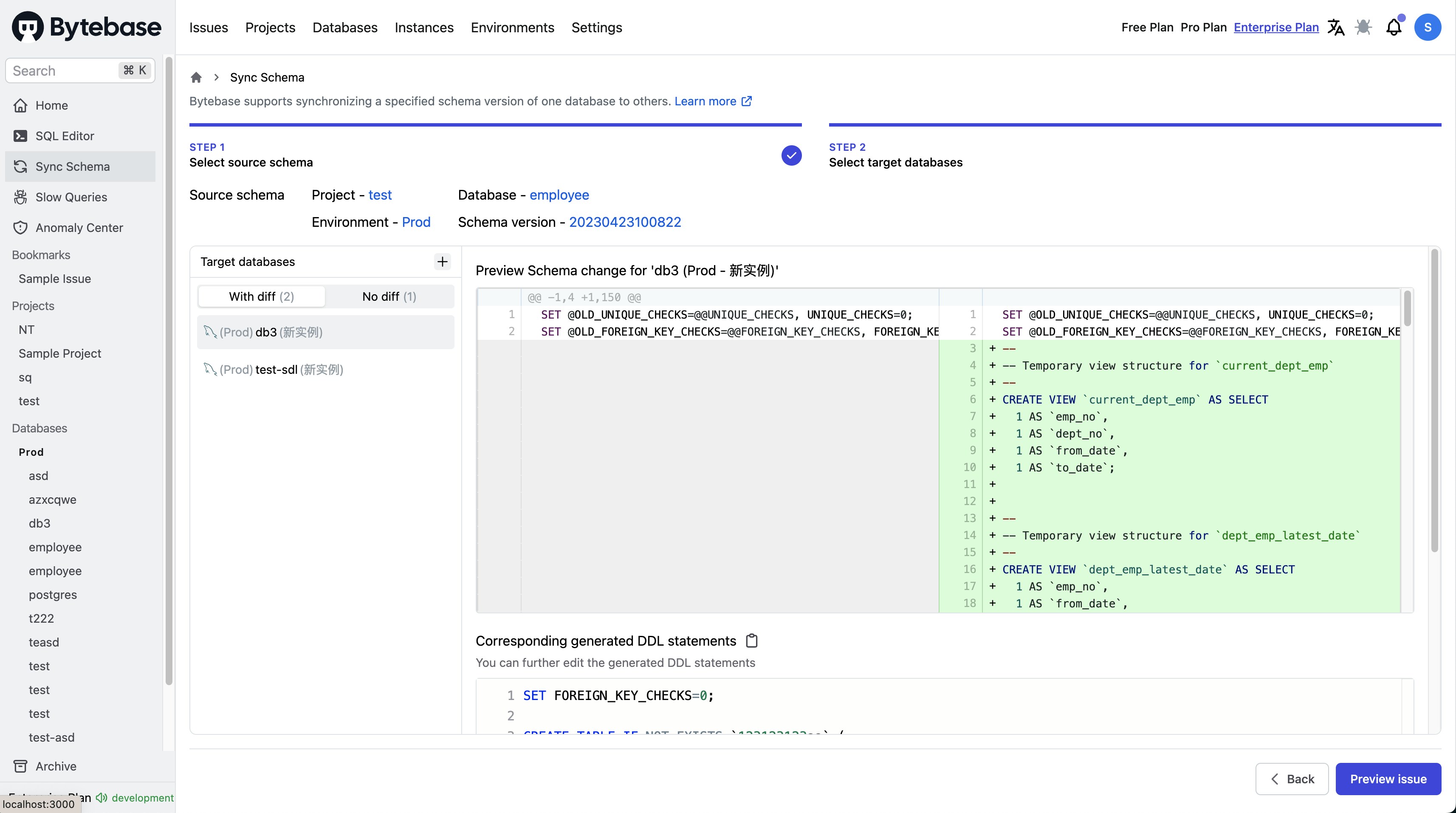
- Generate the suggested DDL statements (e.g.
ALTER TABLE) to transit the source database schema state to each of the target database schema. - Create an issue.
- Deploy the DDL statements to the targeted databases.
Supported Objects
How to use
Step 1 - Go to the Sync Schema page
Click the Database > Sync Schema button in the left navigation bar.Step 2 - Select source schema
You need to select the project and source database schema version that you want to synchronize.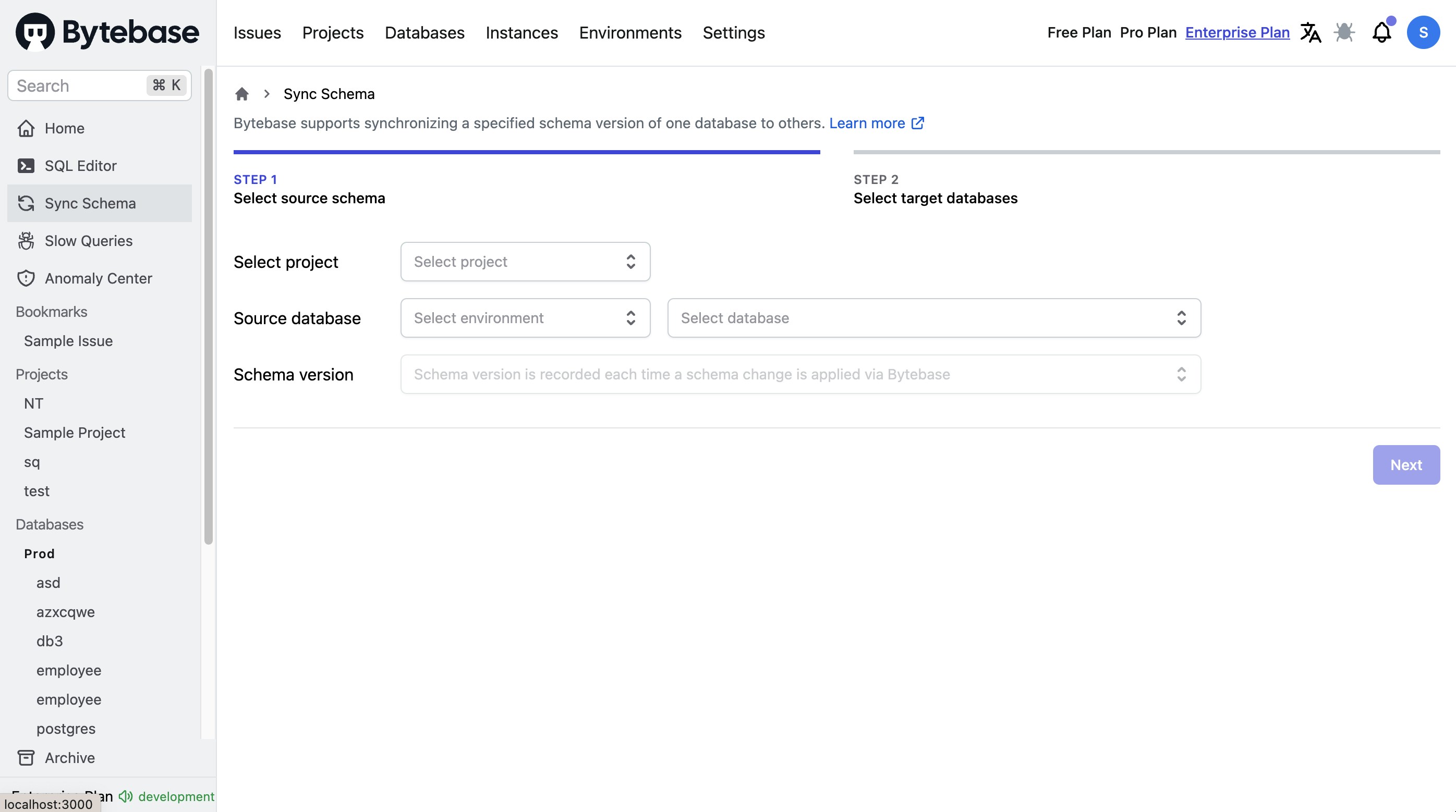
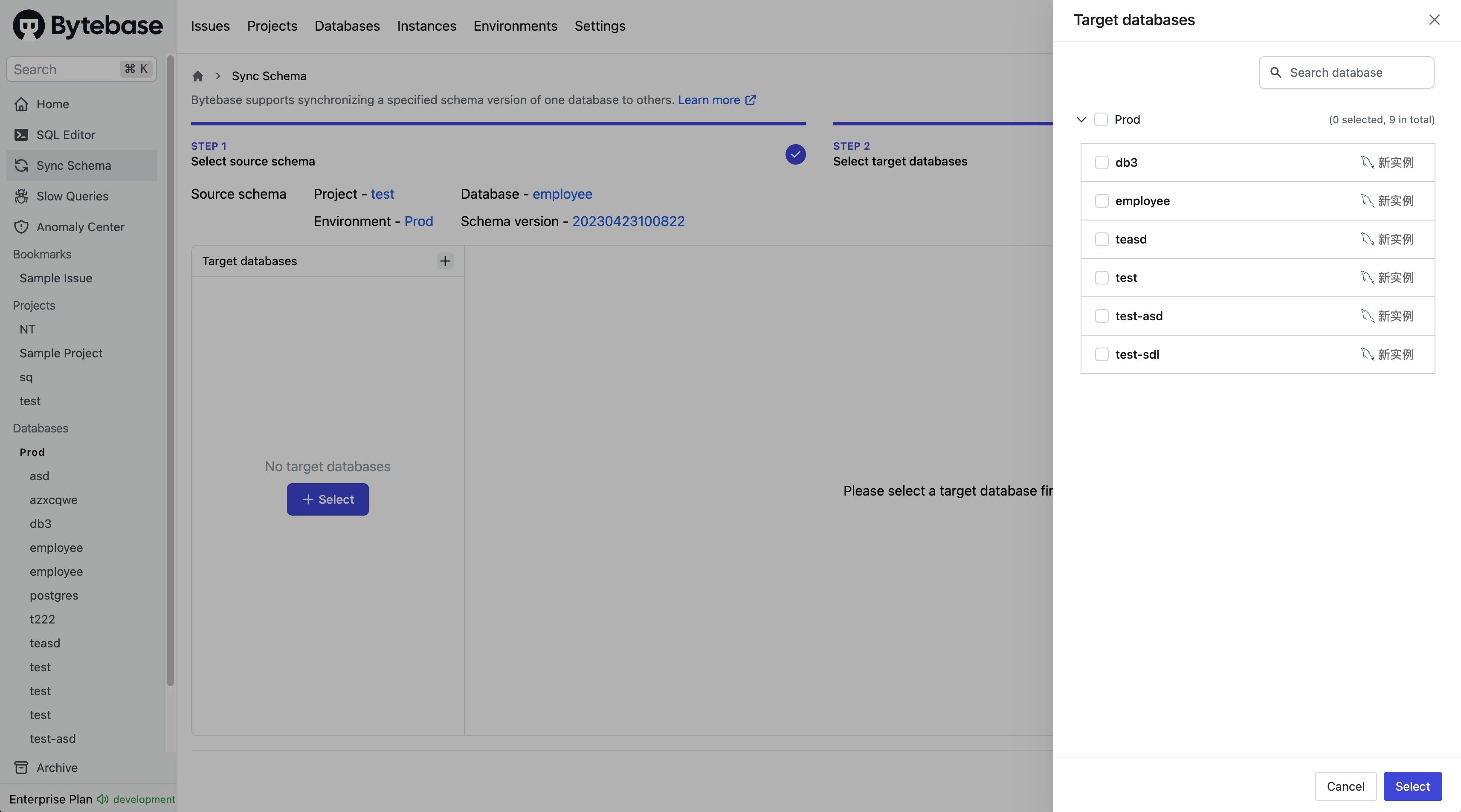
Step 3 - Select target databases
Select the target databases that will be synchronized with the chosen schema version in the previous step.