
Community, Pro, Enterprise.
Pro plan is cloud-only, Enterprise is self-host only. Self-hosted deployments beyond the Community plan require an Enterprise license; Enterprise on Cloud is coming soon. Existing Pro self-host licenses are grandfathered. Self-hosted Community instances can start a 14-day Enterprise trial. See Self-Host vs Cloud.
Running more than one self-hosted Bytebase replica requires HA to be enabled in the license. If multiple replicas are detected without HA enabled, Bytebase disables backend runners for safety. As a result, background operations such as rollout task execution, plan checks, schema sync, and other scheduled runners will stop progressing until you scale back to a single replica or enable HA in the license.
How Users Are Counted
Your license has a single user limit. Two user counts are checked against it, each on its own:- Workspace users — members added to the workspace, who sign in to the Bytebase console.
- Active VCS users — non-bot pull request / merge request authors observed by
bytebase-releaseworkflows on GitHub, GitLab, and Bitbucket. An author stays active for 90 days after they were last seen, then drops off automatically. Bytebase relies on thebytebase-releaseworkflow to exclude bot accounts before reporting authors.
resource_exhausted error; authors already counted keep working. To admit new authors, increase the license user limit or wait for inactive authors to age out of the 90-day window.
To review usage, go to Settings > Subscription, where the active VCS user count is shown. Download the full list as a CSV file with columns vcs_type, user_id, user_name, display_name, and last_seen_at.
Configure Workspace License
Go to Settings > Subscription, paste your license and click Upload License.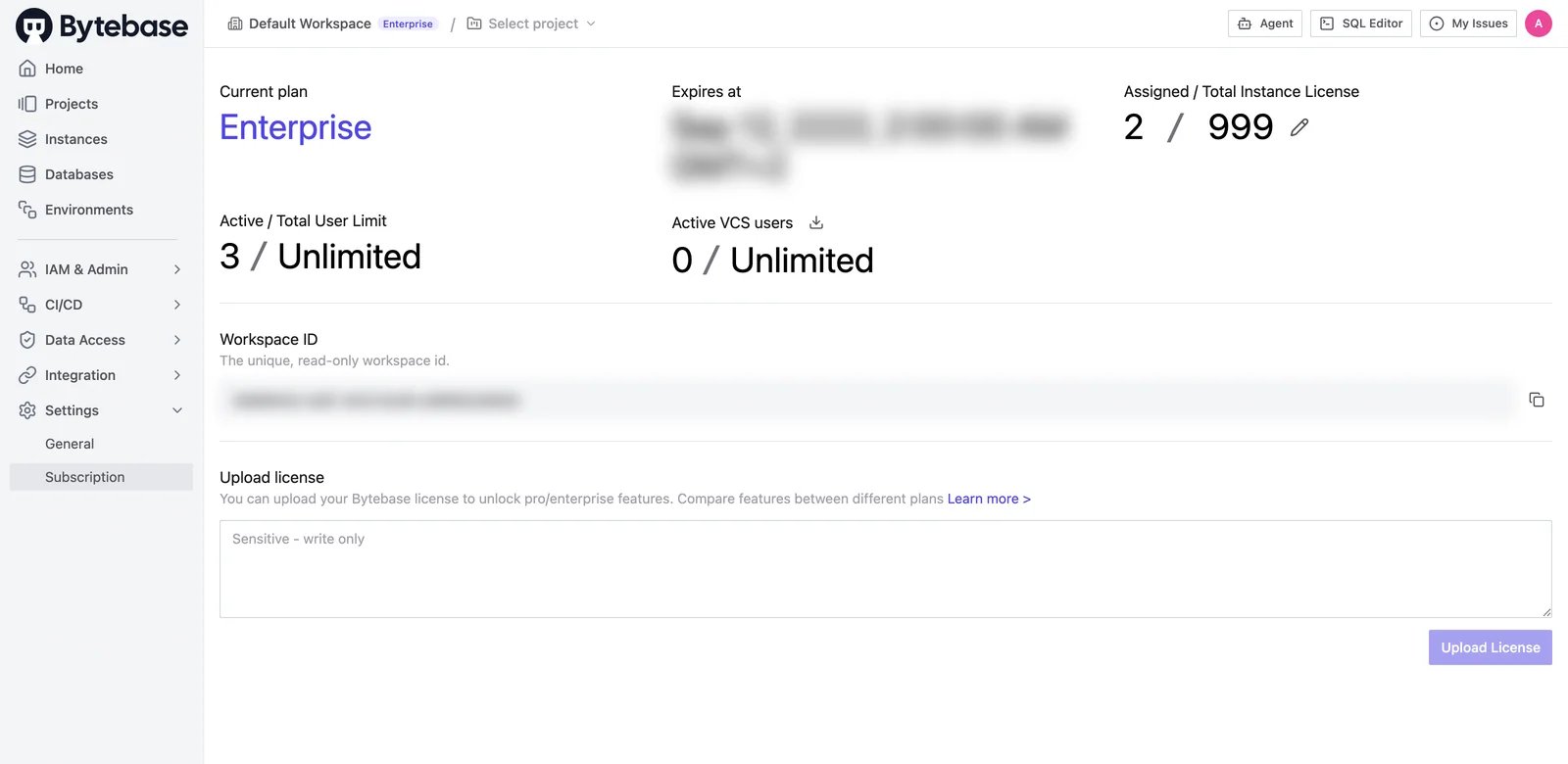
Configure Instance License
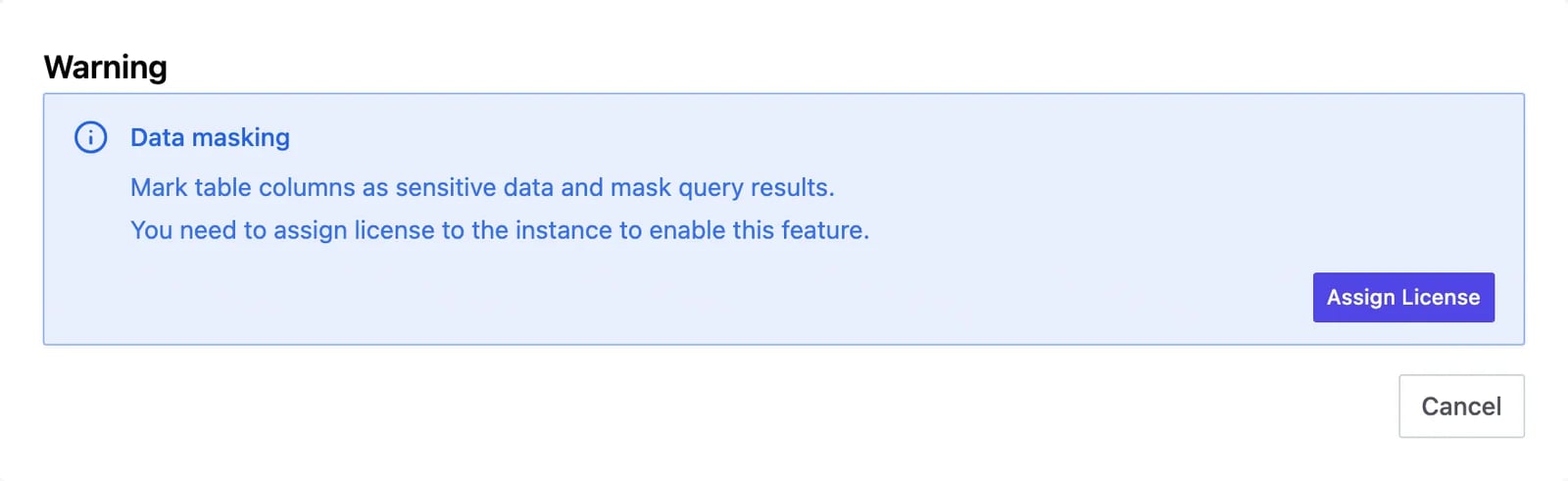
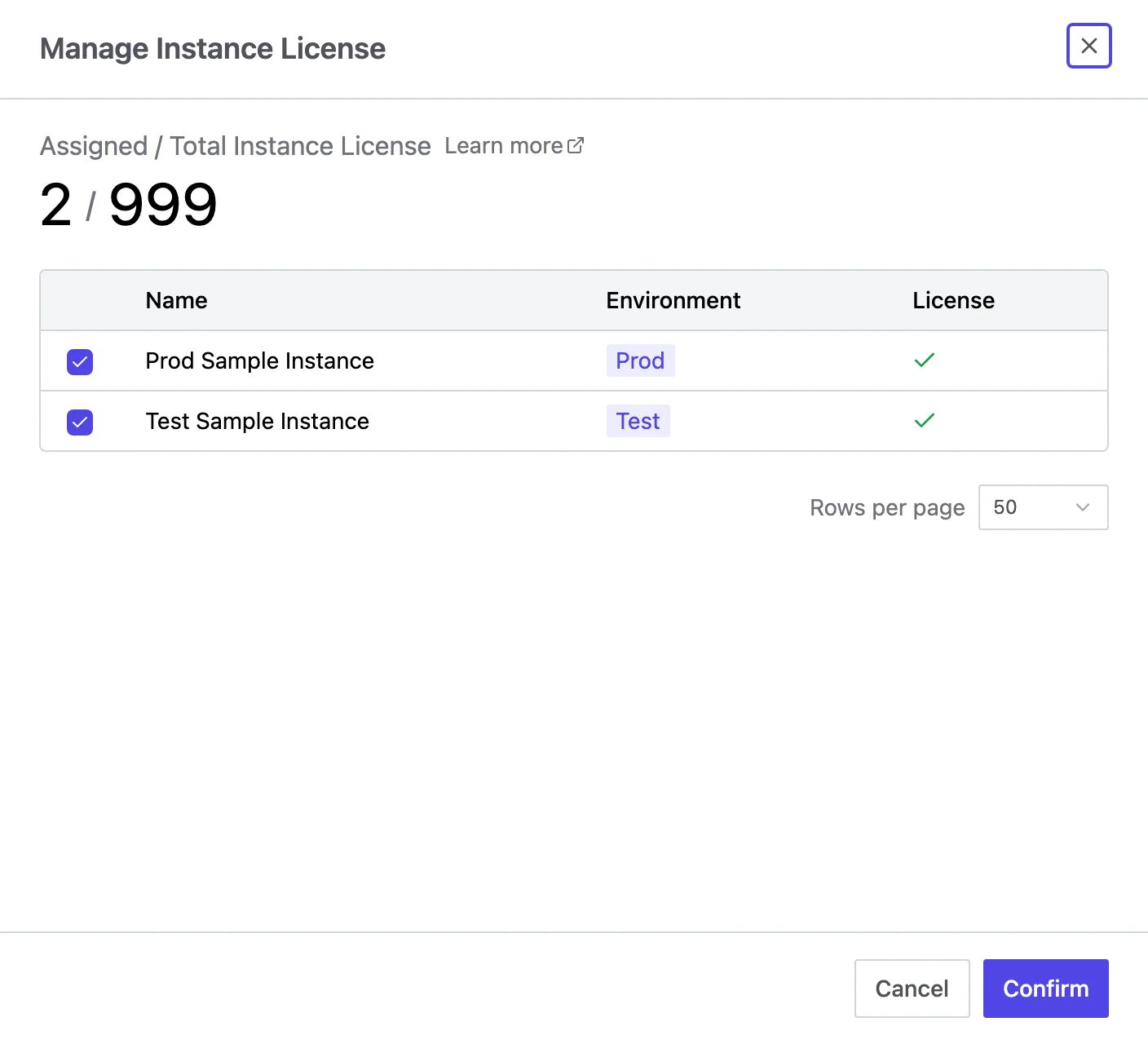
Some features (e.g. Dynamic Data Masking) require assigning a license to the instance. Enterprise-wide features like SSO work without per-instance assignment. The instance quota on your license covers all instances in the workspace, so every instance can be assigned. You can assign instance licenses from:- The instance page — toggle Assign License directly on each instance.
-
Settings > Subscription — click the instance license stat or its edit icon to open the Manage Instance License drawer, tick the instances, and click Confirm.
-
Gated feature prompts — when you encounter a feature requiring a license, click Assign License in the popup.